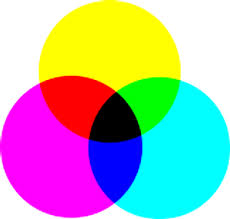
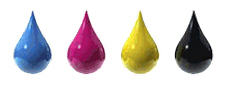
Laser printers have fairly simple printing systems that generally use either one or four toner cartridges. If it is just one, that means it is a monochrome printer and requires only black toner. If there are four laser printer cartridges, each will hold one of the four standard colors- cyan, magenta, yellow and black. Unfortunately laser printers are very limited in what they can print on, oh and you’d better be prepared for the high price for color laser toner cartridges as it may put you into shock. Unfortunately 1/3 of laser printers are bad for your health based on several University studies – for more information see down below. As a result, more and more businesses owners have moved over to Inkjet printers.
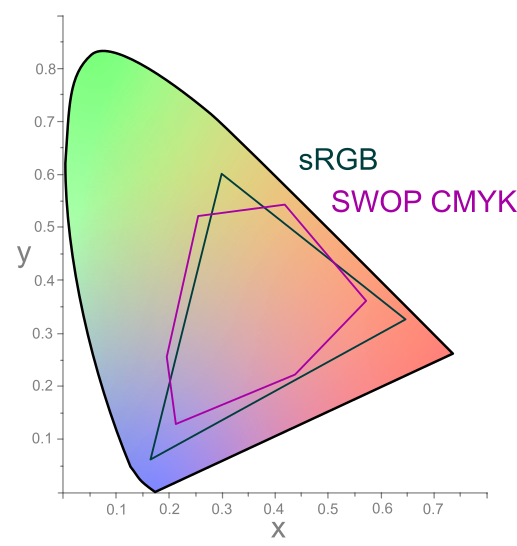
 Inkjet printers come in many flavors when it comes to # of colors and # of cartridges. Since inkjet printers are most often used for photo printing and for printing on a multitude of substrate types (i.e. plain paper, photo papers & specialty which includes labels, films, iron-on transfer, etc.), manufacturers utilize even more colors to produce a wider color gamut. Until you open up the hood, you may not know how many cartridges it has or what the exact color makeup is inside.
Ink Cartridges. Over the years, the standard inkjet printer system that required only two cartridges has expanded up to eight cartridges for some consumer inkjet printer models. Typically the fewer the cartridges, the less precise the quality and color range. All newer inkjet printer models are capable of producing solid text and clear graphics; most support photo and wireless printing.

Two Cartridges
This is the original system used in consumer inkjet printers and is still found with low-end HP and Canon product 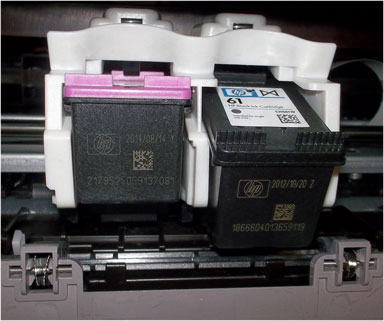 offerings that continue to be sold today, but often spruced up a bit with web enabled features, etc. One cartridge will hold the black ink and the other consists of yellow, magenta and cyan ink. For inkjet printer models geared toward photos, optional cartridges were available that held other colors, typically light cyan and light magenta or gray ink. The reason for these extra cartridges that can be installed in lieu of the primary cartridges is to create more accurate photos. Cost of ownership is low if only used for low printing volumes (i.e. 1-15 pages per week, maximum). Ink maintenance routines are extremely light on these models as compared to 4 thru 8 ink cartridge equipped printers which perform much more aggressive ‘nozzle/head cleaning’ routines – this significantly helps reduce ink costs due to maintenance. Printer power may be turned off each day without any significant impact to ink cost.
Four Cartridges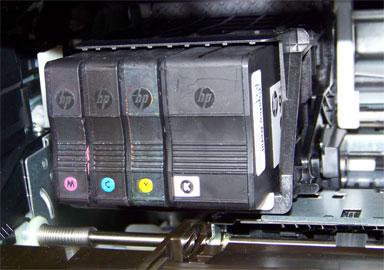
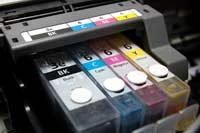
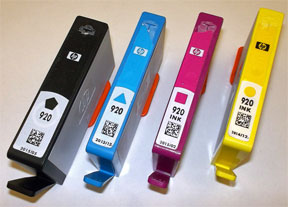
Just like color laser printers, some inkjet printers have four inkjet cartridges that hold cyan, magenta, yellow and black ink. The benefit of this system is that each color can be replaced separately as it runs out, unlike the two-cartridge system. These cartridges are often larger as well, so they don’t need to be replaced as often. Cost of ownership is generally low if used for frequent printing (small print jobs 3-5 times a week; ~15-25 pages minimum to see a benefit over 2 ink cartridge models). This also assumes that printer power is left ON (very important for most HP & Canon consumer inkjet printers).
Multiple cartridges (Five or Six Cartridges)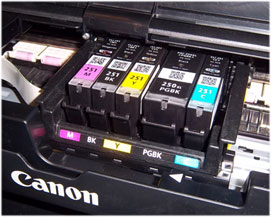
Machines that use five or six cartridges are generally designed specifically for photo printing. Along with the four standard colors, which are often referred to simply as CMYK, either light or photo cyan and magenta cartridges may be needed. The extra hues help to saturate the areas of a print that would require half-toning, which basically means using less Cyan or Magenta ink to create lighter colors. The reason Yellow doesn’t come in “light” form is because our eyes cannot recognize flaws in the color yellow like we can cyan and magenta. However, more and more printer models now offer 5 cartridges, with the 5th cartridge being photo black. Photo Black (BK) is used for improving the look of photographic prints, or not exactly 100% black-based plain paper documents. The photo black also helps smooth out transitions (i.e. gradients) in both photos and black and white-based documents.
Cost of ownership is generally low if used for frequent printing (small print jobs 3-5 times a week; ~25-50 pages minimum to see a benefit over 2 ink cartridge models). This also assumes that printer power is left ON (very important for most HP & Canon consumer inkjet printers).
NOTE: For comparison purposes, a typical 4×6″ color photo uses roughly 3 times more ink than a standard plain paper page (@22% ISO 24712 color density).
Eight (or more) Cartridges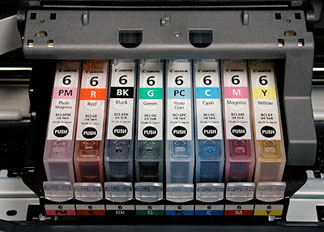
The only people likely to really NEED an inkjet printer that uses eight or more cartridges are professional photographers or designers. These machines are slightly more expensive, as is the maintenance for them. The Canon i9900, for instance, has eight cartridges: CMYK, Photo cyan, Photo magenta, Red and Green. The two new colors printers like this introduce, red and green, expand the color gamut immensely, creating flawless images that are extremely true-to-life, but the cost of replacing so many cartridges is often prohibitive for the average person.
Inkjet printers are known for the quality of photos and images they deliver, and the different levels of quality that can be achieved are partially based on the colors available in the cartridge system. The basic two or four-cartridge systems should be sufficient for most people, but photographers or photo enthusiasts may want to consider the larger cartridge systems with more colors. Those who are considering the upgrade should first factor in the extra ink costs, however, to determine if it is really worth it. Cost of ownership is considered medium if used for average photo print jobs (i.e. 5-10 photos A3/A4 size prints/week…..for higher volume runs it is recommended to send out to a commercial print service). See below. It is suggested to leave printer power ON to help reduce ink maintenance and servicing routines which consume ink during each power cycle.
Cost of Printing Considerations
Have you ever calculated the total cost of printing for your business, home business and/or for personal use? Did you buy the cheapest printer in the store? Should you get inkjet or laser?
Here’s a scary statistic. If you work a 50 hour week, between half an hour and 90 minutes of the time you spend earning money goes on covering the cost of business-related printing materials. That’s between 1% and 3% of your revenue according to research conducted by large printer manufacturers.
One of the first questions you’ll need to answer when buying a new printer is laser vs inkjet.
In the past, the answer was easy. Lasers for black and white and inkjets for color. When color laser printers hit the market they were very expensive but they’re now affordable (i.e. start at $280 USD). And so the gap between the two technologies has narrowed, however be prepared….the high price for color laser toner cartridges can be very hard to swallow and will surely put a dent into your wallet. More and more businesses owners have moved over to Inkjet printers as a result (i.e. HP Officejet, Officejet Pro & Epson Workforce series printer models).
However, while the up-front cost can be an immediately painful wound to your bank balance it’s the slow bleed that most small business don’t monitor or manage that really causes the pain. How do you consider this when buying your new printer?
- Measure how much you print per month
You can do this by either counting the reams or pages of paper manually or using some print management software.
- Don’t just look at the printer cost, check the consumables
Grab the replacement cartridges for the printers you’re considering and pay close attention. Most will be rated for a certain number of pages. If a replacement cartridge costs $50 but can print 1,000 pages it’s better value than a $25 cartridge that’s rated for 400 pages.
- Paper is not the big cost
Sure, be frugal and shop around for your paper, but ink consumables almost always cost more than paper. Typical consumables cost breakdown: ~15% for paper on average (i.e. 2% for plain paper vs. 20% for specialty photo papers, depending on your requirements) and ~85% for ink cartridges & maintenance.
Laser Printer Danger
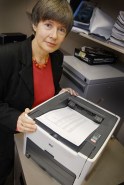
Professor Lidia Morawska from Queensland University of Technology’s International Laboratory for Air Quality and Health has details on dangerous emissions from common laser printers. Her earlier finding was that almost 1/3 of popular laser printers emitted large numbers of ultrafine particles and VOCs (volatile organic compounds which are harmful to the environment and your health).
“In the printing process, toner is melted and when it is hot, certain compounds evaporate and those vapours then nucleate or condense in the air, forming ultrafine particles,” she said.
You can try to avoid using laser printers at home by sticking to inkjet printers or safer printers on their list. Also ensure ventilation is good around laser printers and that they are turned off when not needed.
—
Inkjet Ink Cartridge Refill Services – A better way to print
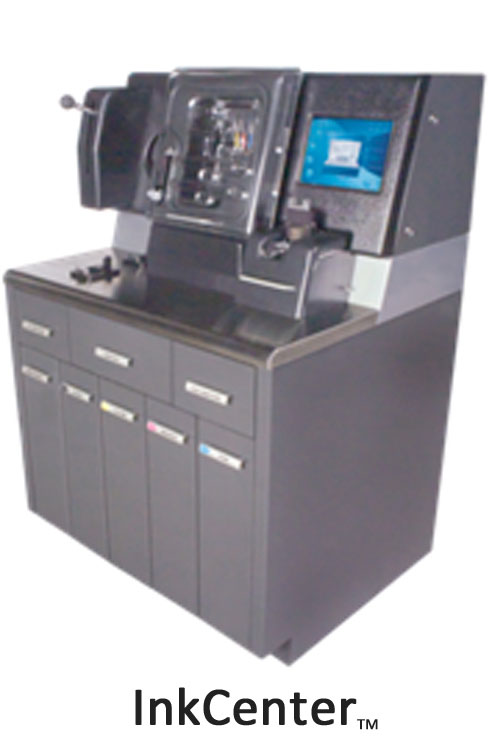
Many customers are taking advantage of the cost savings – up to 70% versus buying new cartridges. Your cartridges can be filled at a retail location near you – the process takes minutes. Print cartridges can deliver excellent quality long after they first run out of ink; just bring your empty ink cartridges into any of our authorized refill center locations.
Customers can achieve multiple refills on a well-maintained integrated cartridge before deciding to replace it with a new one. Most tank-based cartridges (i.e. those found in 4, 5 and 6 ink cartridge equipped printer models) can be typically refilled up to 10 times until it leaks or exhibits damage. Our network of retailers stand behind the product and performance – guaranteed.
If you are looking for a ‘Refill Friendly’ printer model, refer to our suggestion list…
—
Find an Ink Cartridge Refill Store Near You (USA, Canada, France & Germany)
Premium ink refilling services are provided by major retailers in the USA, Canada, France & Germany. To find the nearest refill store and ink pricing, refer to links below:
Worldwide Ink Refill Store Locator
Retail Inkjet Solutions (Ink Refill Equipment Provider)
—–
For questions regarding refilled cartridge usage, printer questions/problems, new cartridge support offerings or ink refill locations please Contact Us.




 P, Canon, Epson & Brother inkjet printer models
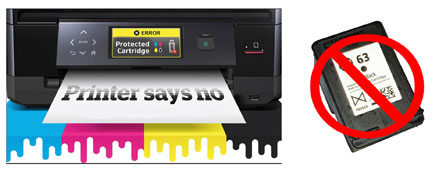
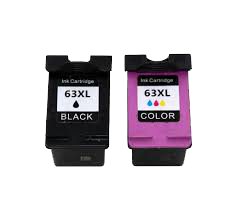

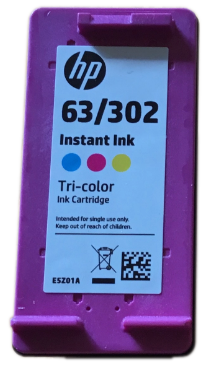
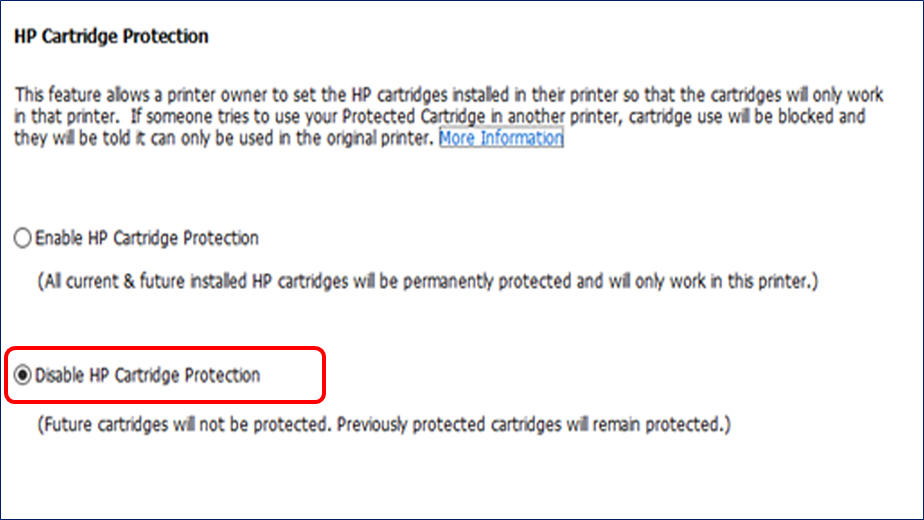
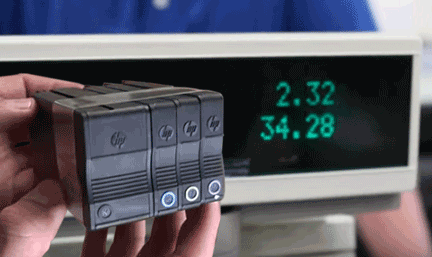
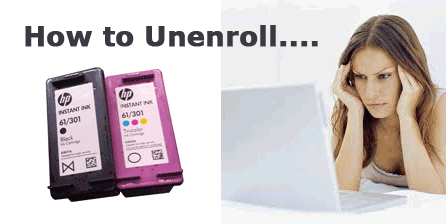
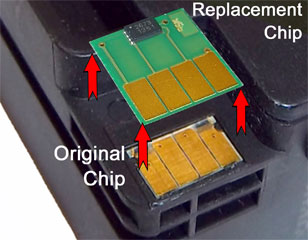 request a replacement from the store you purchased the ink from or where you refilled your ink cartridge. Unfortunately, HP 60, 61, 62, 63, 64, 65, 300 thru 304 series ink cartridges will need to be replaced with a brand new ink cartridge since the ‘smart chip’ is entirely embedded into base of the cartridge’s nozzle plate (within acumen chip, fully encapsulated inside bottom of ink cartridge). On the other hand, HP 950/951/952/953 chips for example (pictured at right) will be replaced by ink cartridge refill lab personnel when ink cartridges are refilled, thereby eliminating & preventing the error condition from ever occurring.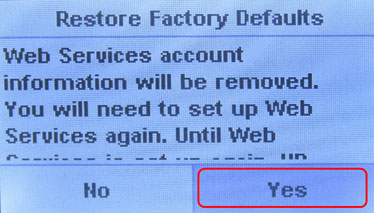



 * Handling Cartridges
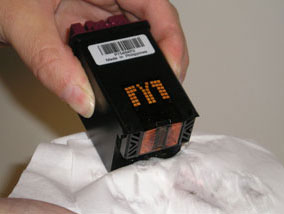
 * Cleaning
 * Keeping Cartridges in Refillable Conditions
 * Cartridge Tips
 * Cartridge Storage
 * Best Time to Refill
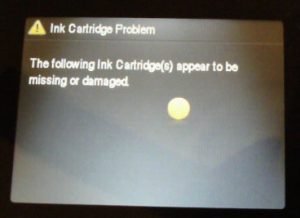 * Cartridge Errors
 * Poor Print Quality
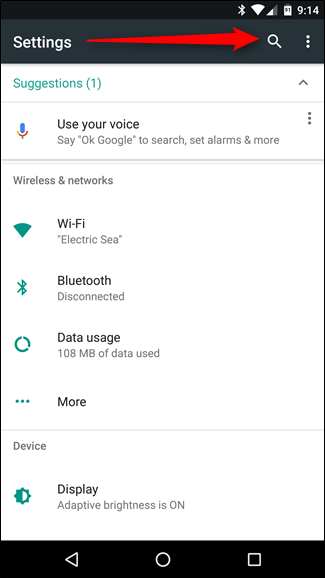
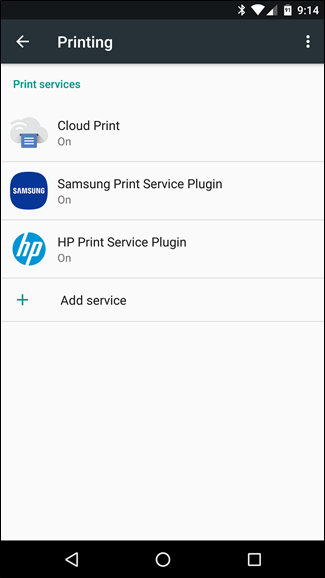
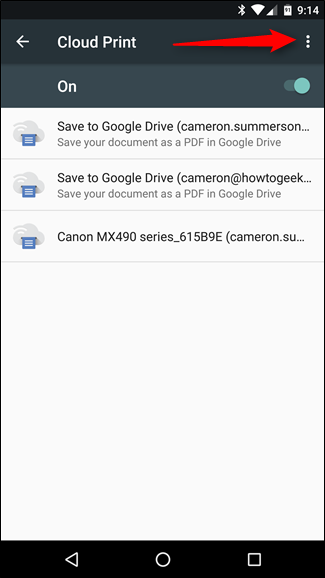
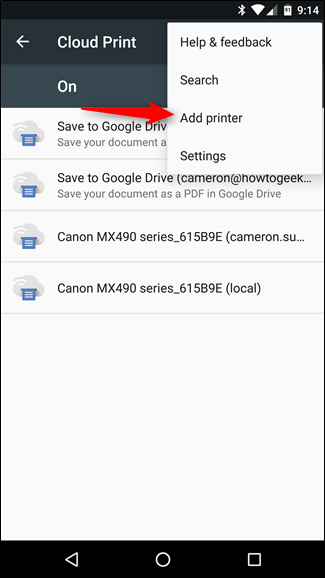
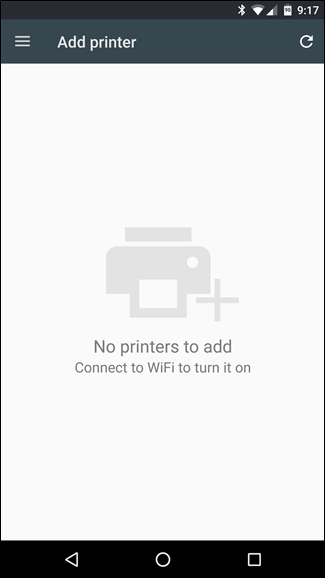
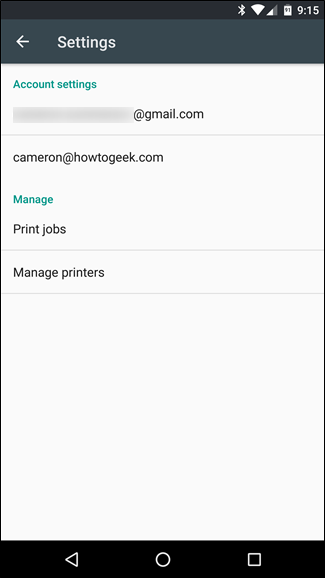
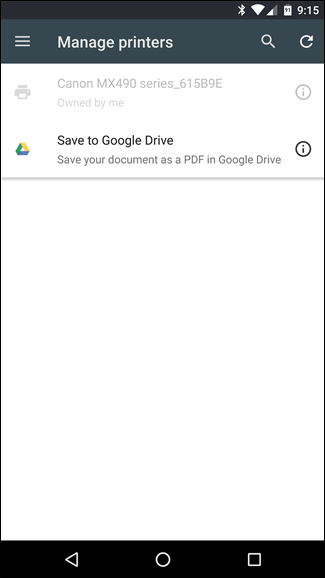
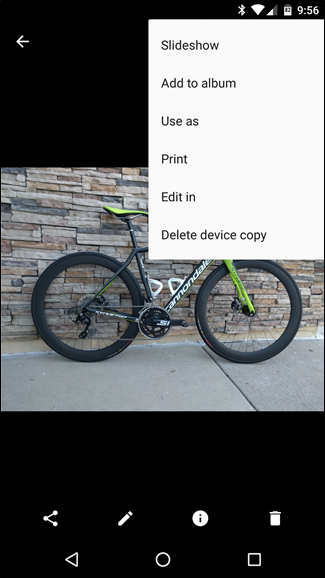
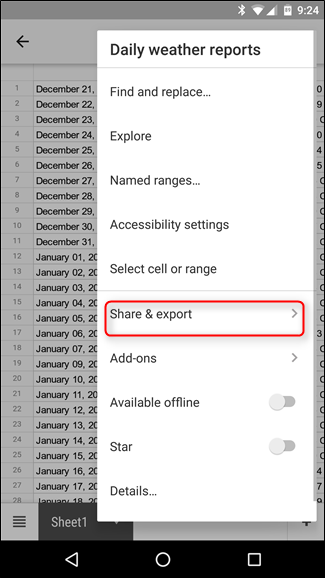
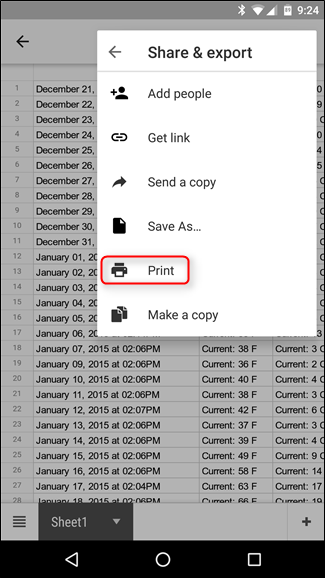
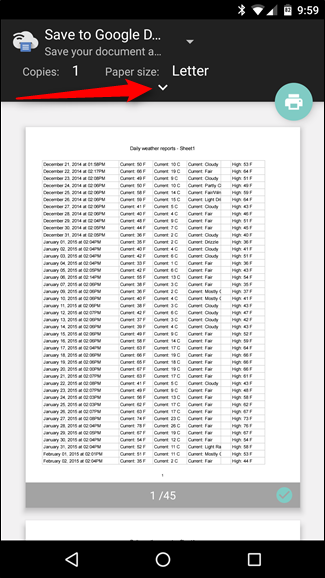
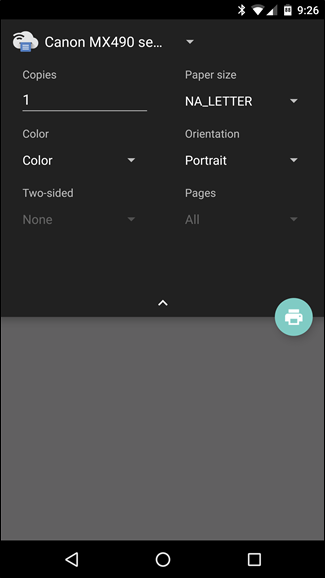
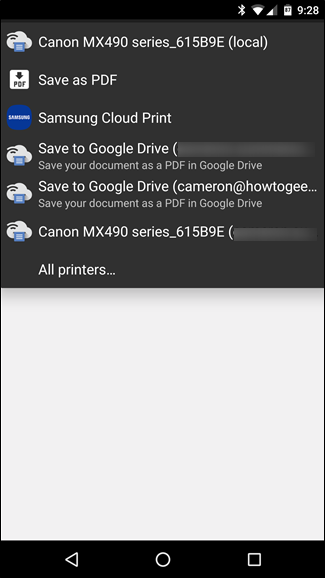
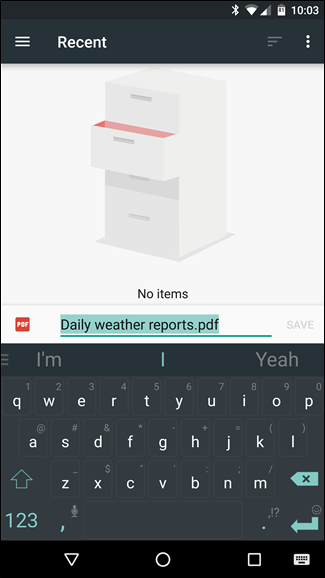
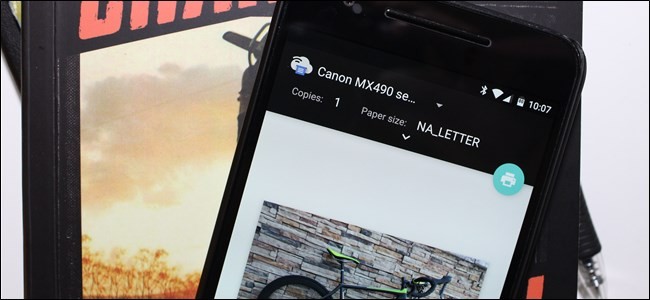 If you’re new to Android, printing probably seems easy to you: click a menu, tap a command. Previously, Android printing was a rather clunky process; the good news is it’s easier than ever to print from your Android device(s).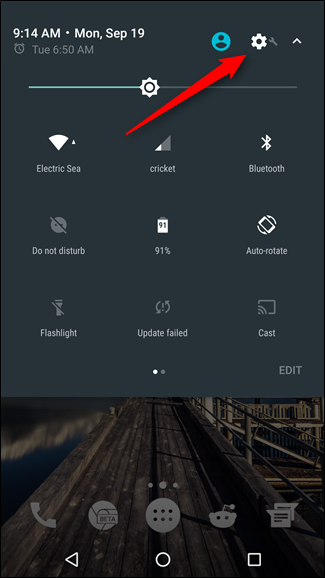
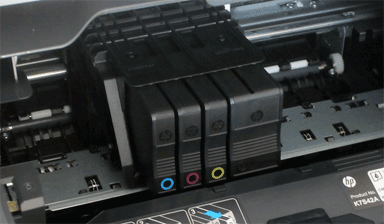
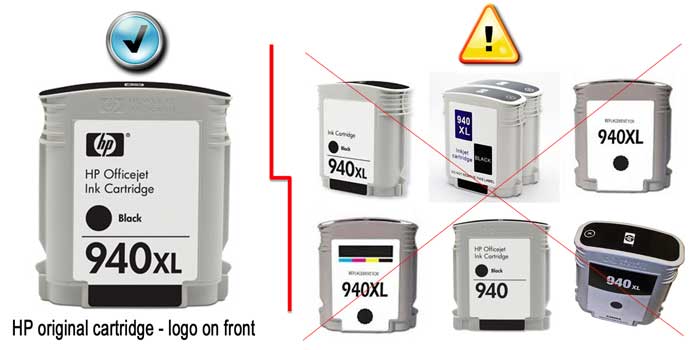
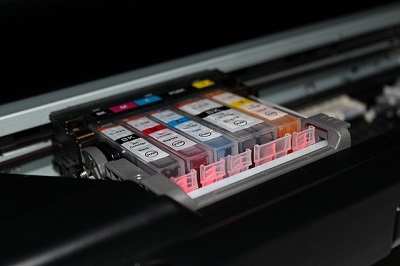
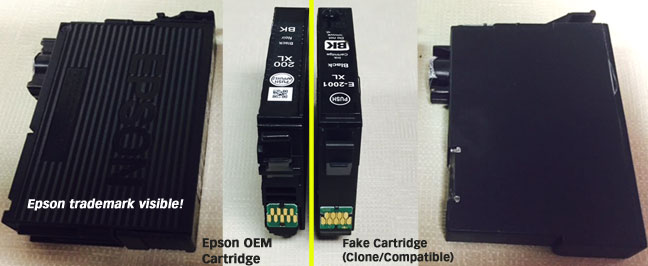 We’ve just pointed out that it can be incredibly hard to tell the difference between counterfeit cartridges and genuine cartridges. It is possible to tell the difference by taking a good hard look at these cartridges.
 You may be wondering why on earth you should care if your cartridge is genuine or not, after all you got it cheaply right? Well that may be the only positive experience you will have with a counterfeit cartridge. Due to the cartridge not being genuine, it also means that it is not filled with genuine ink or an ink which is compatible with the printer’s built-in printhead. Some overseas printer ink contains trace levels of VOCs (volatile organic compounds) which will damage the built-in printhead over time.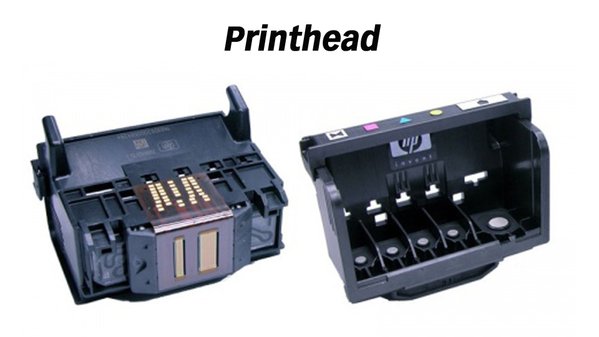





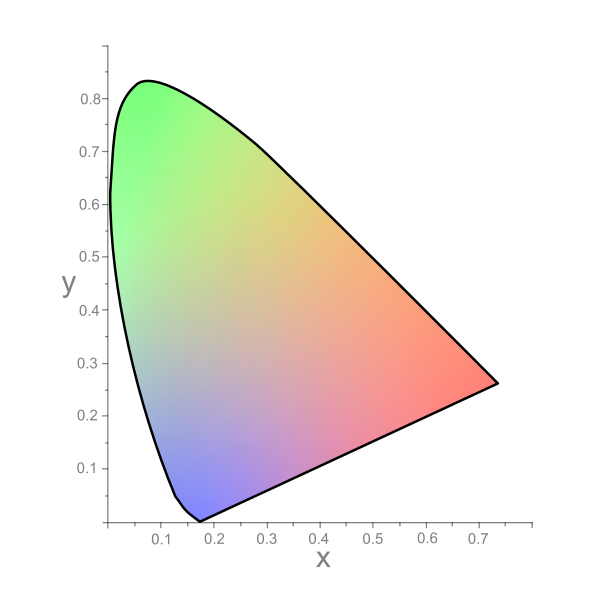
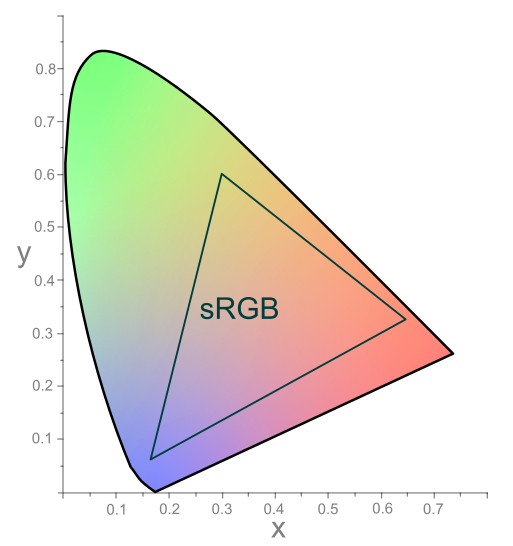
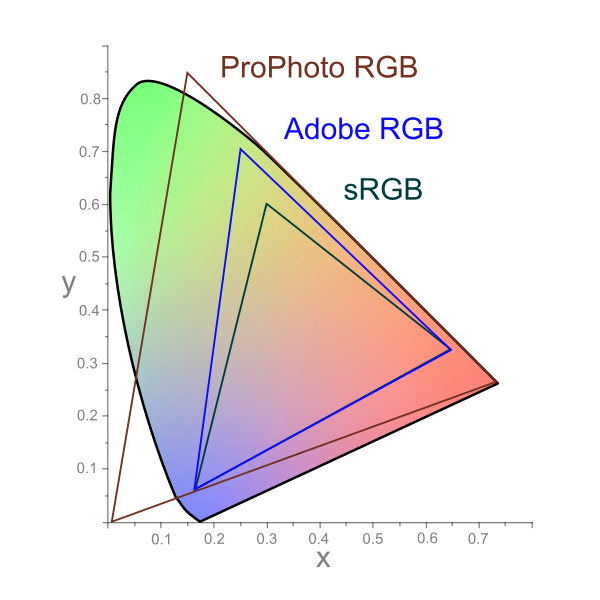
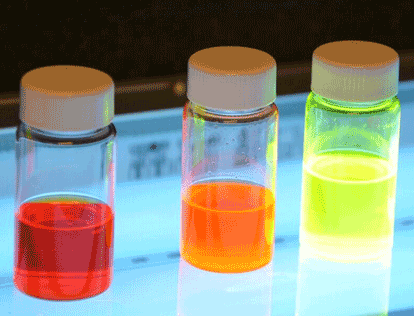
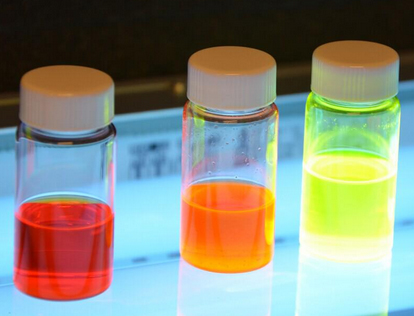
 There are several ways for classification of dyes. It should be noted that each class of dye has a very unique chemistry, structure and particular way of bonding. While some dyes can react chemically with the substrates forming strong bonds in the process, others can be held by physical forces. Some of the prominent ways of classification is given hereunder.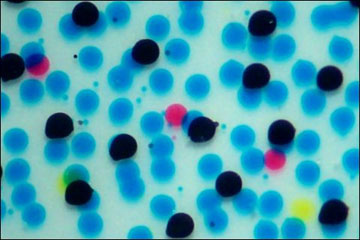
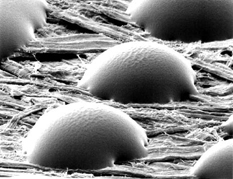

 the substrate being printed. Absorption is when ink penetrates the fibers of a substrate and is absorbed into the substrate. The degree of penetration determines the ‘dry’ ability of ink. Oxidation is when the oxygen in the atmosphere chemically combines with the varnish system converting it from a liquid to a solid. A catalyst is used, a drier, to promote the oxidation of the drying oils. Oxidation rapidly proceeds and ink films dry hard in shorter periods of time. Evaporation is when a solvent is physically removed from the ink leaving it to bind to the substrate. Heat set web is the best example of evaporation. Radiation cure is with the use of ultraviolet, or UV, drying. Special UV inks must be used for this type of drying. In most cases the printing press has some form of heat to speed the drying and setting process of the inks. Examples are IR driers, hot air knives and other forms of mechanical heat generated at or near the delivery of the press.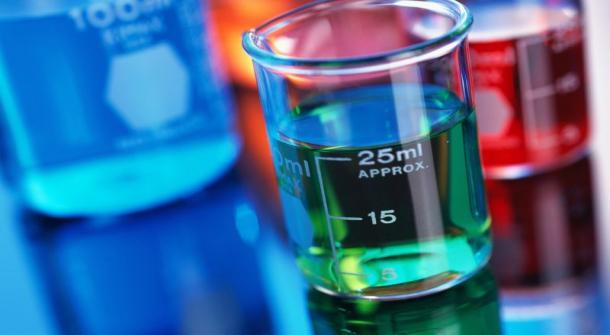
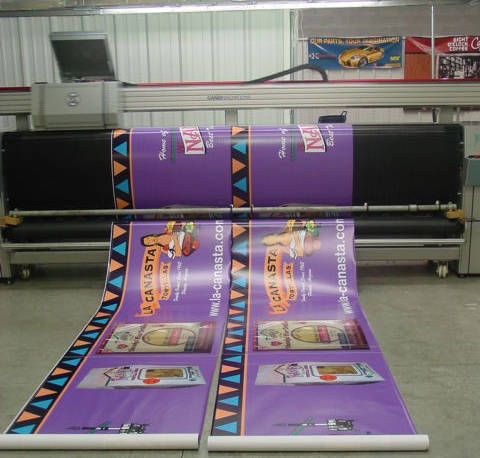
 Does it seem like every time you’re in a hurry your printer malfunctions? Even a high-quality machine is bound to have an issue once in a while, and cheaper printers are often more susceptible to breaking down. Here’s a quick guide to fixing common printing problems—hopefully before you need prints or copies for your next project.
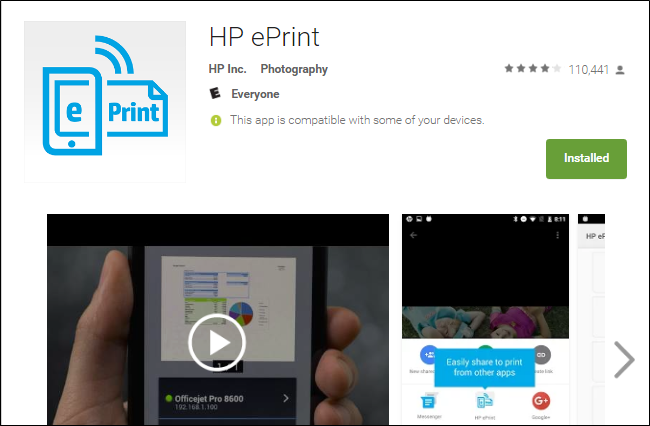
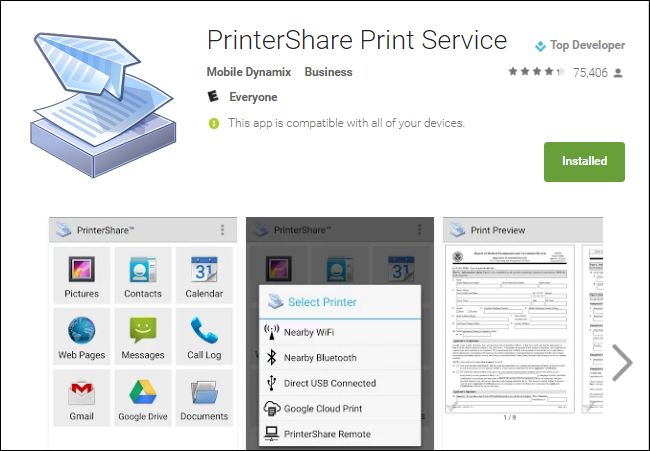
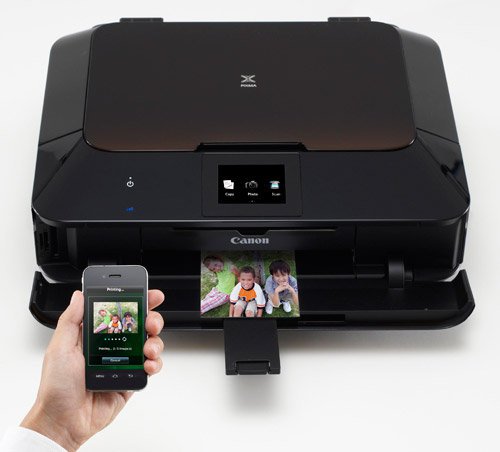
 Everyone has a mobile device in their hands nowadays it seems, which can be a great bonus for companies. But the productivity gains of mobile devices come to a grinding halt when you’re unable to print from your phone or tablet. It’s crucial to find a mobile printing solution that works for your printer or home office. Depending the phone you have, it may be as simple as downloading the correct app. Do a quick Google search, find the right app for your device, and print away (first ensure the printer has been added to the home or office WiFi network).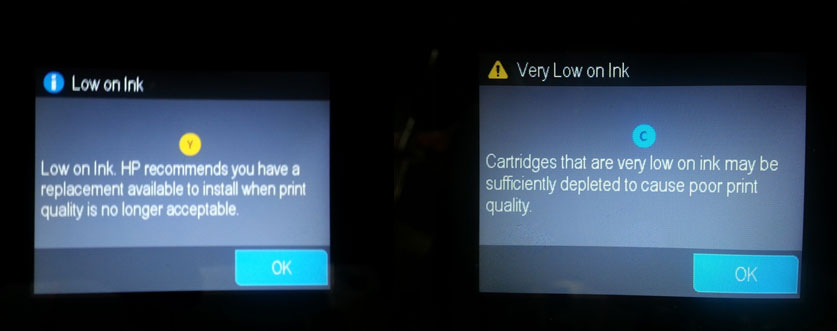
 Find an Ink Cartridge Refill Store Near You (USA, Canada, France & Germany)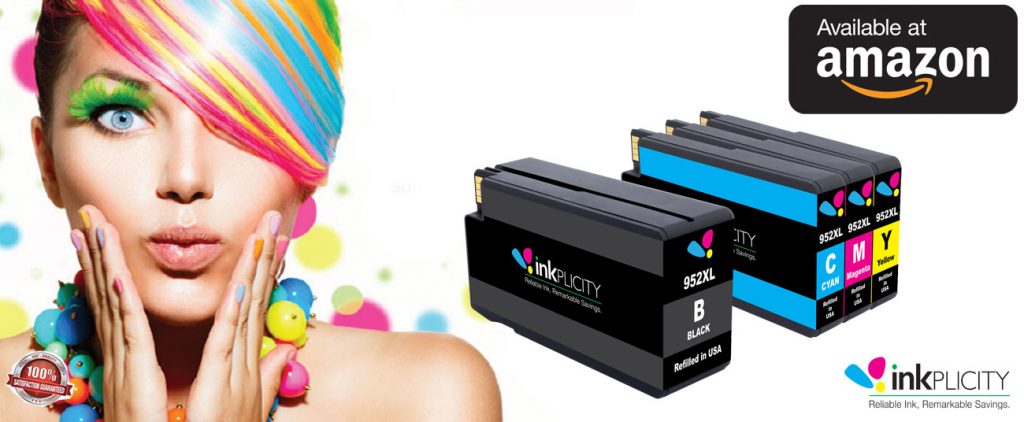
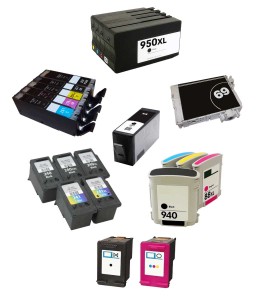
 Select HP 60, 61, 62, 63, 901, 932/933, 950/951 and 952 refilled/remanufactured ink cartridges (made in the USA!) are also available directly via Amazon: